
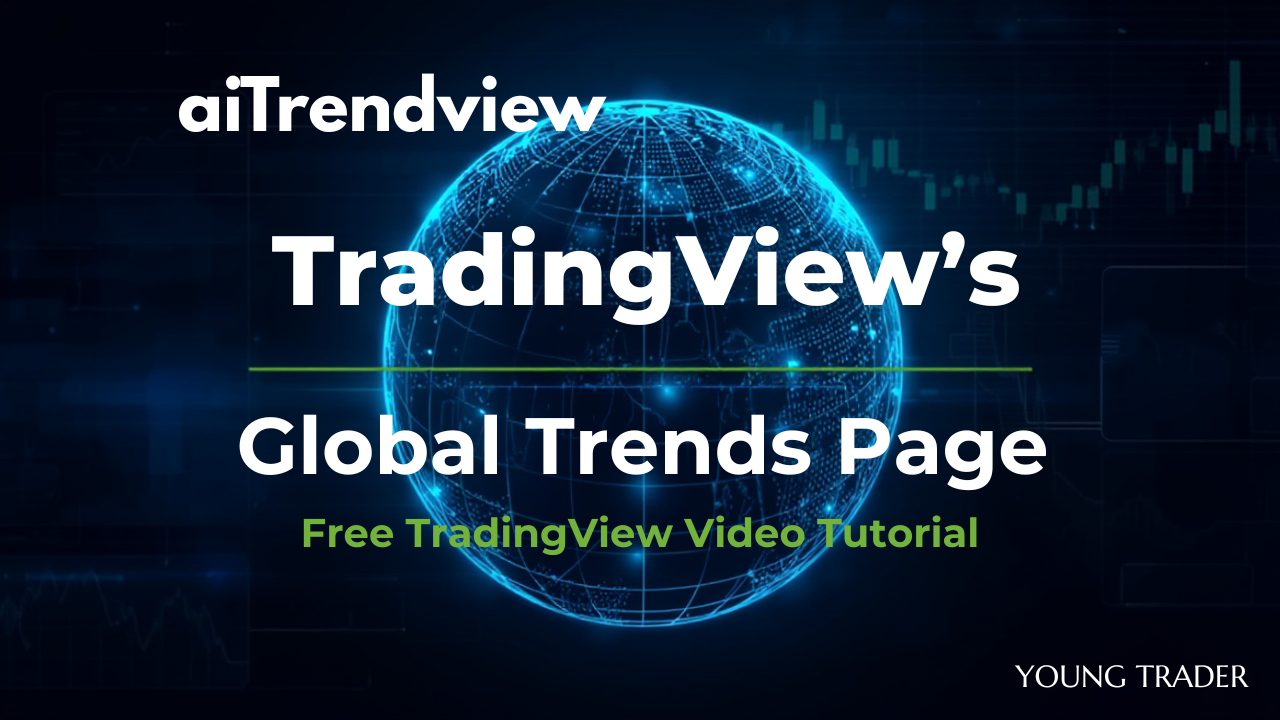
Briefing: Analysis of TradingView’s Global Trends Page
Video: How to Track Global Macro Trends with Ease: Tutorial (TradingView)
The video provides a detailed walkthrough of the TradingView Global Trends Page, an advanced tool designed to help traders, investors, and economists monitor key macroeconomic indicators worldwide using visually interactive maps and data tables.
Technically, the Global Trends Page offers a bird’s eye view of multiple economic factors such as GDP growth, inflation rates, housing market trends, employment statistics, and consumption data for different countries. Users can access these indicators through color-coded maps that allow quick visual scanning and hover-over features to get country-specific details. The interface also contains dynamic tables and charts displaying trends over time, such as monthly inflation rates and yield curve inversions for treasuries across different time frames (e.g., 1-year, 5-year, 10-year). The tool allows seamless navigation between broad global trends and deeper analysis of particular metrics, supporting a top-down research approach.
From a fundamental perspective, the tutorial emphasizes why understanding these macroeconomic indicators matter to trading and investment decision-making. Forex traders, for example, benefit by correlating these data points with currency strength or weakness. Similarly, equity and crypto investors use the tool to identify high-growth economies or sectors, such as real estate and housing markets, to better time investments or understand risk. Important notions like the likely entry into recessionary environments and government debt levels also help shape broader strategy and risk assessment.
Overall, this tutorial positions the TradingView Global Trends Page as a critical resource for macroeconomic research, enabling users to develop well-informed global market views. It encourages layering fundamental data with technical analysis for holistic decision-making and highlights the page as a regularly updated platform for ongoing market monitoring.
This training content is ideal for users who want to integrate macroeconomic insights into their trading workflows, enhance their understanding of global economic conditions, and apply these insights to various asset classes, including Forex, equities, futures, and crypto markets
1. Executive Summary
This video is a tutorial on the Global Trends page within the TradingView platform. It serves as a comprehensive tool for traders and investors to conduct top-down macroeconomic analysis. The page aggregates key economic data from around the world and presents it in highly visual and interactive formats, such as heat maps and charts. The fundamental purpose of this tool is to provide a high-level “bird’s eye view” [08:14] of the global economy, allowing users to quickly identify trends, compare countries, and make more informed trading or investment decisions based on fundamental economic data.
2. Fundamental Reasoning (The “Why”)
The Global Trends page provides the foundational economic context behind asset price movements. Different market participants can use it for specific reasons:
3. Technical Application (The “How”)
The video details the features and technical operation of the page, which is accessed via Markets > Economy > Global Trends [00:56].
Key Features & Data Points:
4. Learning & Training Takeaway: A Top-Down Workflow
For training purposes, the video establishes a clear, top-down research workflow [08:26]:
This approach allows a user to filter from the entire globe down to a specific, actionable idea based on fundamental economic data.
Disclaimer
The content of this blog is for educational and training purposes only and does not constitute financial, trading, or investment advice. Past performance of technical indicators or trading systems is no guarantee of future results. Trading and investing always involves risk, including loss of principal. Use your own judgement and/or seek advice from a qualified professional before acting on any ideas discussed herein. The aiTrendview brand and its affiliates accept no liability for any trading losses or other damages resulting from the use of this material.

© Copyright 2025. All Rights Reserved By aiTrendview.com a AQJ TRADERS Product
1) or fractional share
Investing in the stock markets carries risk: the value of investments can go up as well as down and you may receive back less than your original investment. Individual investors should make their own decisions or seek independent advice.