

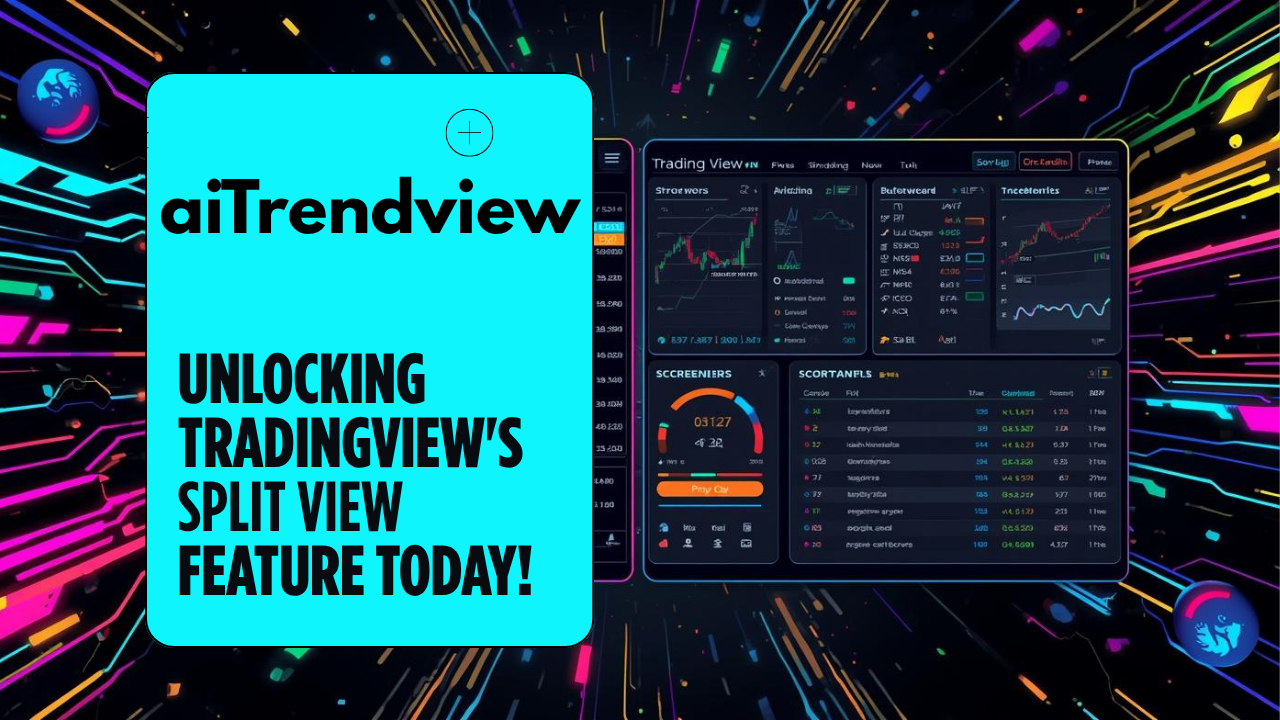
Briefing: Analysis of TradingView’s “Split View” Feature
This video tutorial from TradingView introduces a powerful new “Split View” feature designed to significantly enhance a user’s analytical workflow. The primary function of this feature is to allow users to view and interact with a primary price chart while simultaneously accessing and analyzing other key data tools—such as calendars, screeners, and options data—in a separate, adjustable window [00:00]. This eliminates the previous limitation where tools would overlay and obscure parts of the chart or other information [00:38].
Core Functionality & Reasoning:
The split view is activated by clicking a dedicated icon (a window with an arrow) [00:52] within a tool’s window, which then docks that tool to the side, creating a fully independent and interactive pane. This approach is built on the fundamental reasoning that market analysis is rarely one-dimensional. Traders need to synthesize technical price action with fundamental data, market-wide scans, and derivatives information. This feature facilitates that synthesis directly within one screen.
Key Applications Demonstrated:
Learning Notes
The new Split View feature represents a significant evolution from a single-pane analysis tool to a dynamic, multi-data-point workstation. The core learning concept is workflow integration. By allowing calendars, screeners, and options tools to exist alongside a primary chart, traders can more effectively build a comprehensive market thesis. This setup encourages the simultaneous analysis of different data types, such as watching an asset’s technical price action while monitoring the fundamental economic events that directly influence it [02:50].
From a technical analysis perspective, the most powerful applications are the Screener and Options integrations. The ability to link a screener’s results directly to the main chart [05:01] transforms the process of scanning the market. Instead of manually typing in dozens of symbols, a trader can create a filter and then visually cycle through the charts of all matching assets, dramatically speeding up the search for viable trade setups. Similarly, mapping options-derived levels (like strike prices and breakevens [09:11]) onto a chart provides tangible price targets and risk levels that are directly informed by the derivatives market.
For fundamental analysis, the Calendar split view [00:32] is a key risk management and opportunity-spotting tool. A forex trader, for example, can watch price action on a 30-minute chart while having a clear view of all upcoming economic announcements for the day [03:05]. This prevents them from being caught off guard by volatility from a news release and allows them to prepare strategies around those specific events. This applies equally to equity traders monitoring earnings [00:22] or dividend calendars.
Disclaimer
Disclaimer from aiTrendview.com: This analysis is provided for training and learning purposes only. The information and techniques discussed are based on a tutorial of a software feature and are not any kind or sought of recommendation, financial advice, or analysis to buy, sell, or hold any security or financial instrument. All trading and investment decisions are the sole responsibility of the individual.



© Copyright 2025. All Rights Reserved By aiTrendview.com a AQJ TRADERS Product
1) or fractional share
Investing in the stock markets carries risk: the value of investments can go up as well as down and you may receive back less than your original investment. Individual investors should make their own decisions or seek independent advice.